OST to PST Email Recovery Software


Recover Data for OST to PST » Email Recovery Software for *.OST file/s
Preview & Proceed » OST to PST Conversion Software Manual Steps to Convert OST to PST. Here you can view every single step which has essential to complete the process of OST to PST conversion
Step 1
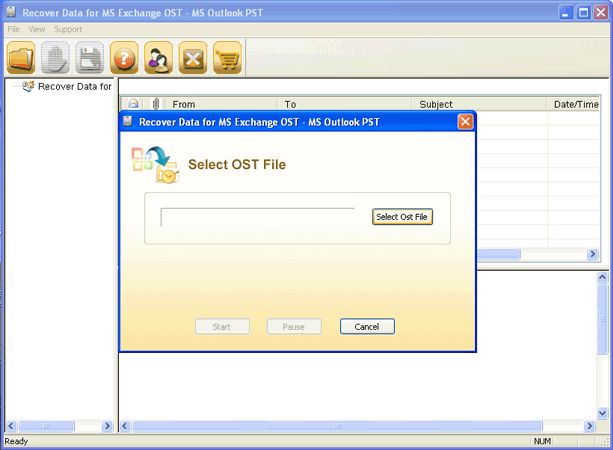
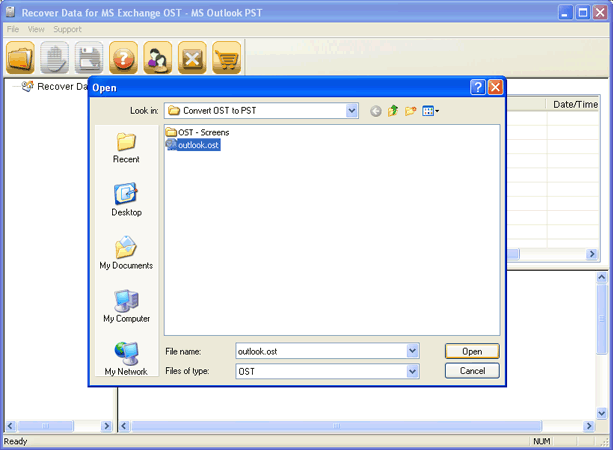
Click on the "Select the OST" option & select the *.OST file from browsing path. Now, click on "Open" option to select the OST file.
Step 2
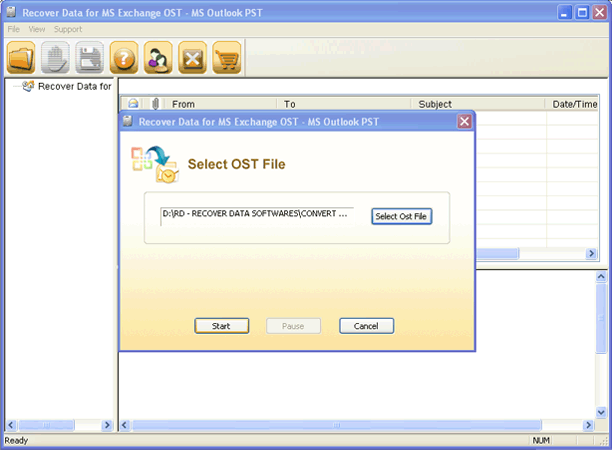
Click on "start" option to start the scanning & recovery process.
Step 3
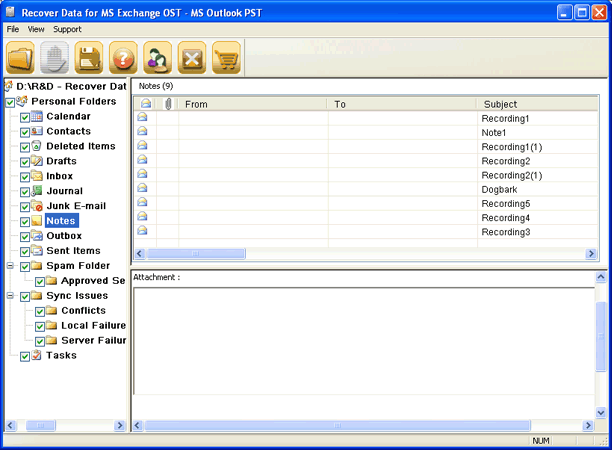
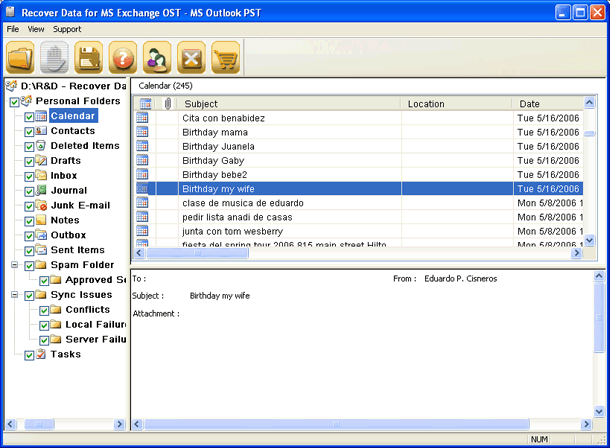
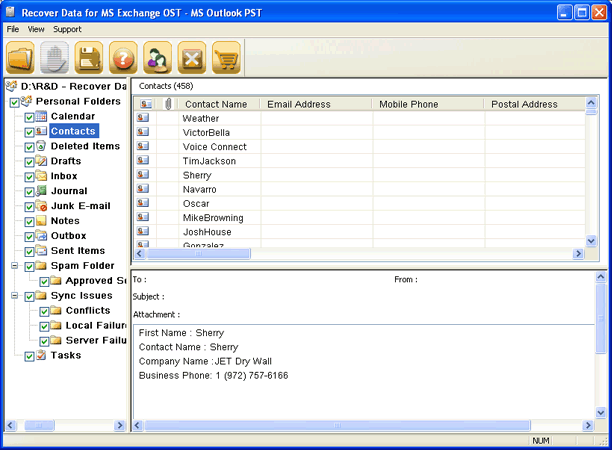
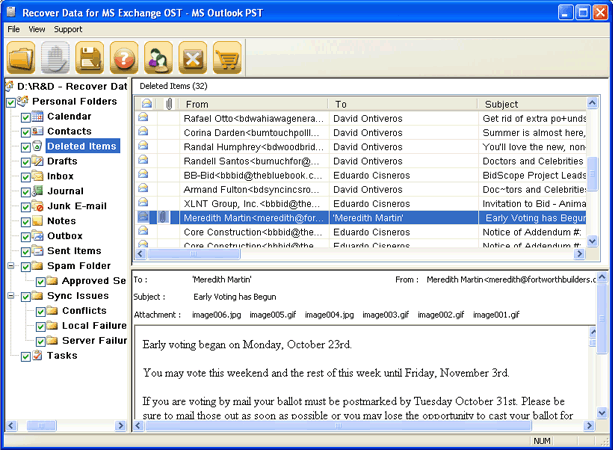
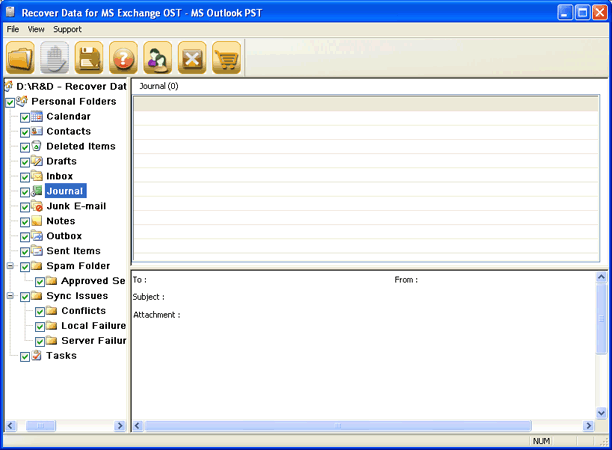
After complete the recovery task. Software display OST file data in an explorer view. Select the single/multiple folder to view their data.



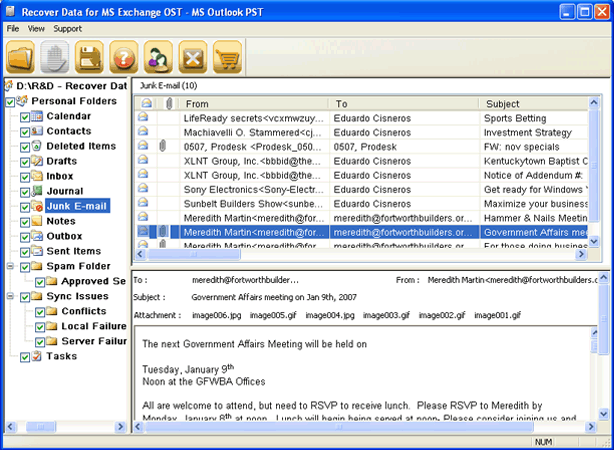
Step 4
Click on "Save" option to save all data in PST file & complete the convert ost to pst task.