Exchange EDB to PST Conversion


Why We Require EDB to PST Converter?
MS Exchange is a popular mail server, calendaring software and a contact manager developed by Microsoft. It uses .edb as its file extension. All the user mailbox information is stored in it. However, disastrous factors like a virus or malware attack, power outage, system failure, improper synchronization, mailbox deletion, hardware or software malfunctions, unprotected write back cache operation performed.edb log file deletion, Exchange Server corruption/downtime makes these files corrupt or damaged. At this particular point of time; Recover Data’s EDB to PST converter plays a vital role in salvaging the mailboxes from the corrupt Exchange database.
The software repairs the damaged exchange database files and exports them to approachable PST file in Outlook. The well developed program ensures the recovery of each database component including attachments, draft, deleted items, sent items, journals, appointments, email details (to, cc, bcc, from , date ) etc. After successful recovery process; it migrates all the recovered database files to Outlook. The software maintains the integrity as well as formatting of the email files throughout the recovery process.
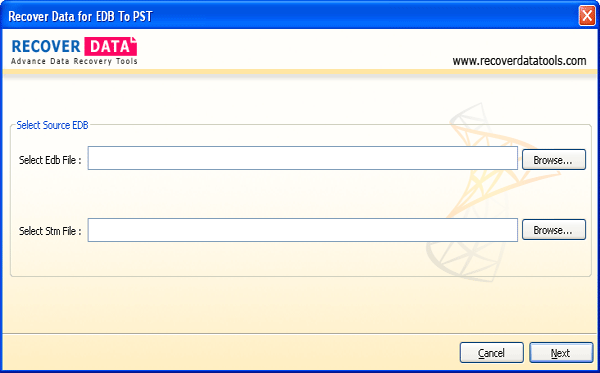
Recover Data's EDB to PST conversion program is developed with advanced algorithms as well as with highly interactive interface to make users comfortable with the software handling. The application creates dedicated folders for each database recovered component in Outlook. The simple and instant steps make novice users comfortable with the software handling.
This influential tool is capable enough to perform conversion for all the versions of MS Exchange Server and MS Outlook. It gets successfully installed on Windows operating systems such as Windows 2000/2003/XP/Vista/ Windows 7/ Windows 8/Windows Server 2008.
Files Supported - MS Exchange Server 5.0, 5.5, 2000, 2003, 2007 & 2010 and MS Outlook - 2010, 2007, 2003, 2002 and 2000.
Free version of EDB to PST is also available for free trial. Try the freebie to interpret the potential of the software before you invest.