Outlook Recovery Software - Repair PST File


Get corrupt MS Outlook PST File repaired in just 4 easy steps using Recover Data for Microsoft Outlook - PST Recovery Software.
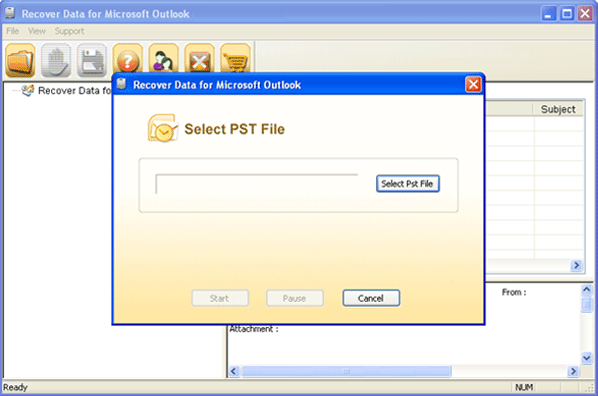
Loading or Open PST files is the Prime step to repair corrupt PST Files. Open corrupt PST file using Browse button from the following screen:
Select Destination Path where you want to save the repaired PST file. Click on Browse button and choose the desired location.
After Loading PST files, click Next button to proceed to the process of PST Recovery. Recover Data for Microsoft Outlook - Outlook Recovery Tool starts repairing corrupt or damaged PST files as in the screen below:
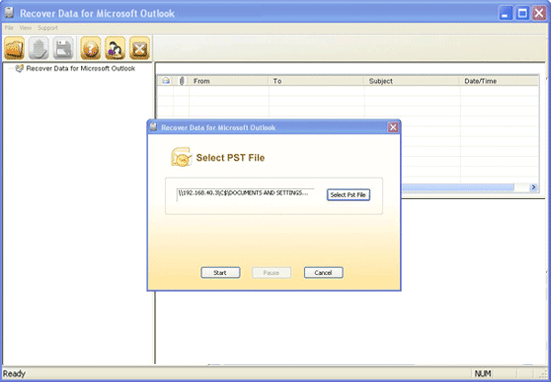
After completing scanning of selected PST file, Recover Data for Outlook display all the mails, tasks, journals, notes, contacts, calendar as shown below:
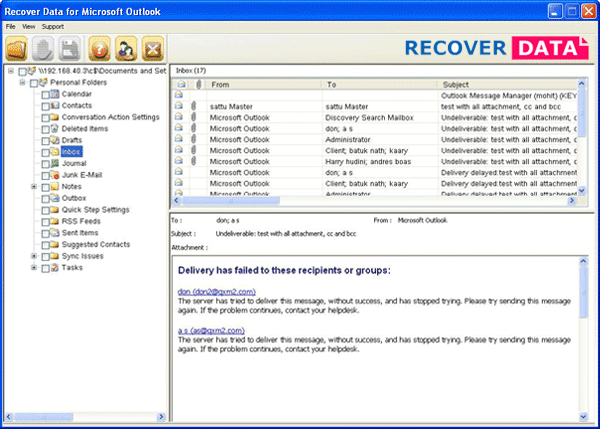
After previewing the recovered data, select the folders from left pane for saving & then click Save from menu bar/ Save icon  on the Toolbar.
The 'Saving Destination' dialog box appears.
Select the destination path where you want to save the recovered .PST file and click on OK button.
The Software will start saving the recovered data at the destination path:
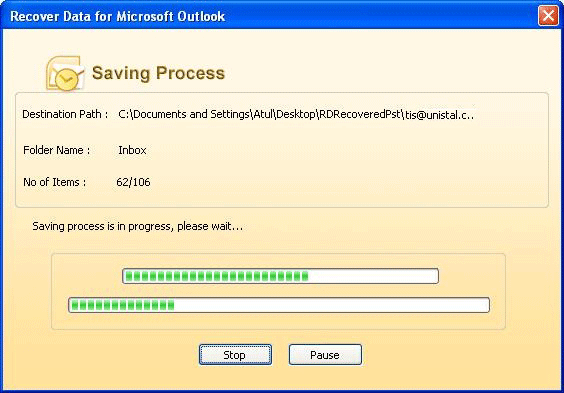
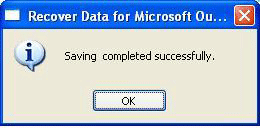
After the saving is completed the following window appears on the screen.